
Pick your book
Plain-English books for business owners, written by people who run IT for a living. Choose one and get your copy.
-
 The Small Business IT Buyers Guide 12 things to know before choosing a new IT provider, so you don’t lose time, money or your sanity Get this book
-
 90 Days to a Secure Business The daily action guide for small to medium business cybersecurity: one small, practical step a day for 90 days Get this book
The Small Business IT Buyers Guide
Read this book and pick the best IT provider for your business
- How to become immune to the “bait and switch” tactics many IT providers use
- What to look for in an IT contract before you sign it, so you don’t get stuck with hidden fees, auto-renew traps or missing services
- How to protect your business from downtime, data loss and blame games when switching providers
- The most common red flags IT providers try to hide during sales calls, and how to spot them
- How to tell a provider who wants to help your business grow from one who just wants your monthly payment
- The warning signs that your current provider might be coasting, even if things seem fine on the surface
- How to choose the best type of IT support for your business goals, needs and budget
Get your copy by email
Instant access to the full book (80+ pages). We send it to the email address you enter.
What you'll find inside
8 chapters, written for business owners rather than IT people.
-
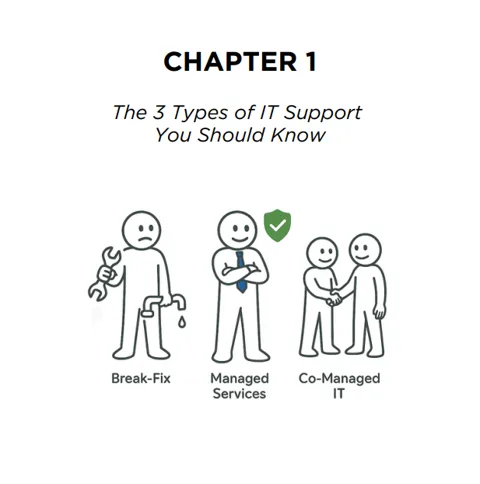 Chapter 1
IT support types explained
Break-fix, managed services and co-managed IT in plain English: the pros, the cons and what to expect from each, so you know which model fits your stage and risk level.
-
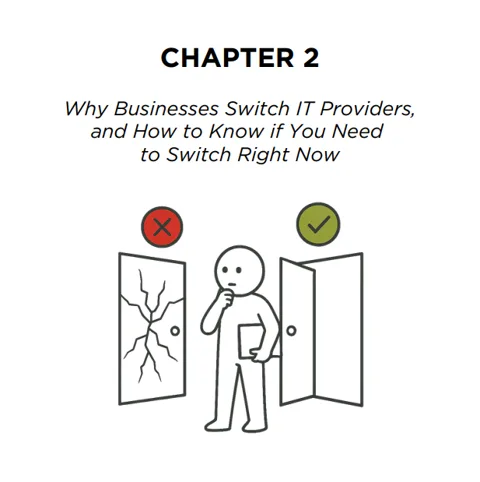 Chapter 2
Why businesses switch IT providers
Most companies don’t switch over one bad day. The real reasons owners finally say “enough”, and how to tell if those signs are showing up in your business.
-
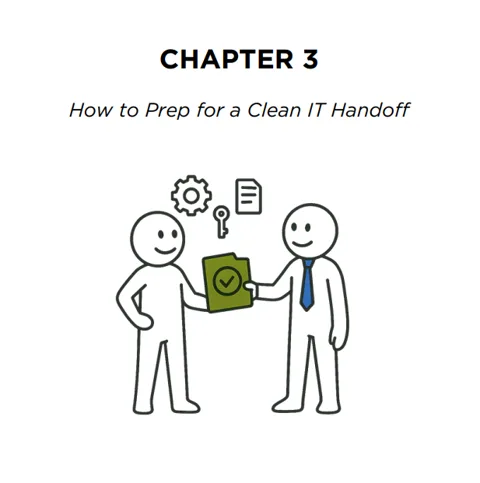 Chapter 3
How to prep for a clean IT handoff
The step-by-step process to avoid disruption, protect your logins and data, and keep leverage until your new provider is fully in place.
-
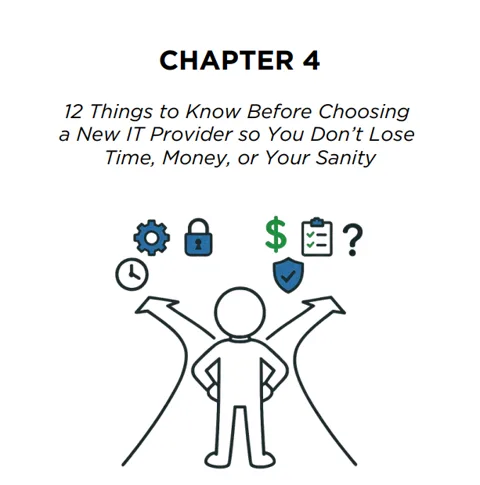 Chapter 4
12 things to know before choosing a new IT provider
The core of the book: twelve checkpoints that separate the real pros from the polished pretenders. Your decision filter before you sign anything.
-
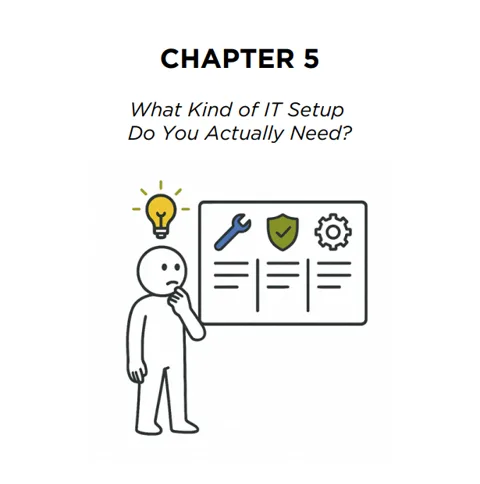 Chapter 5
What kind of IT setup do you actually need?
Overspending is as risky as underspending. Work out which tier of service makes sense for your size, tools and tolerance for downtime.
-
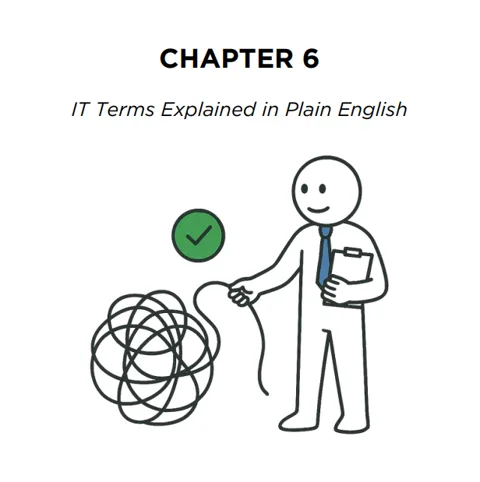 Chapter 6
IT terms explained in plain English
EDR, DNS, MFA, RMM: a jargon-free glossary of the 50 most common terms.
-
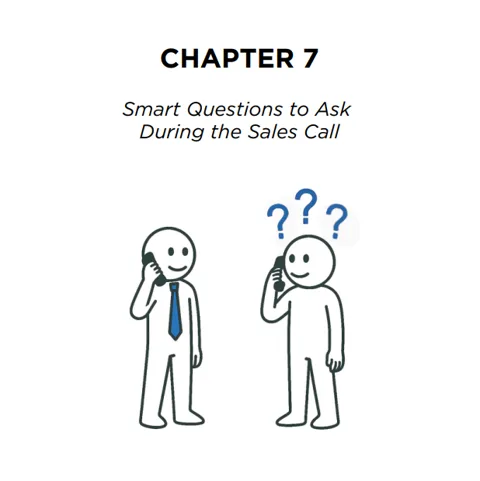 Chapter 7
Smart questions to ask during the sales call
The exact questions to ask an IT provider before you hire them, even if you’re not technical, and what to listen for in the answers.
-
 Chapter 8
How to read a service agreement without falling asleep
Which sections actually matter, and how to catch the clauses that lead to surprise fees, lock-ins or gaps in support.
90 Days to a Secure Business
One focused action a day. No computer science degree required
- Build the security habits that protect everything you’ve worked hard to build, in steps that take 5 to 20 minutes
- Set up password managers, passphrases and multi-factor authentication across your team
- Spot phishing and business email compromise before someone pays a fake invoice
- Lock down laptops and phones: encryption, updates, admin rights and a lost-device plan
- Back up the 3-2-1 way, and actually test that you can restore
- Write a one-page incident response plan, so everyone knows what to do on the worst day
- Cover the basics of the Privacy Act, the Notifiable Data Breaches scheme and the Essential Eight
What you'll find inside
13 chapters, written for business owners rather than IT people.
- Chapter 1
Security foundations
Days 1 to 7: why cybersecurity matters to you, how attackers operate, a baseline assessment and the Essential Eight.
- Chapter 2
Password power-up
Days 8 to 14: password managers, passphrases, MFA setup and rollout, and cleaning up old accounts.
- Chapter 3
Email defence
Days 15 to 21: phishing red flags, business email compromise, the phone verification rule and hardening email accounts.
- Chapter 4
Device security
Days 22 to 28: device inventory, encryption, updates and patching, admin rights, endpoint protection and lost devices.
- Chapter 5
Data protection
Days 29 to 35: your crown jewels, approved storage, access control, sharing settings and data classification.
- Chapter 6
Network basics
Days 36 to 42: router security, guest Wi-Fi, network segmentation and using a VPN.
- Chapter 7
Cloud safety
Days 43 to 49: mapping your cloud footprint, shadow IT, cloud backup and Microsoft 365 and Google security settings.
- Chapter 8
Human firewall
Days 50 to 56: empowering your team to be part of your defences.
- Chapter 9
Backup mastery
Days 57 to 63: the 3-2-1 rule, offline backups, testing restores and automating backups.
- Chapter 10
Vendor management
Days 64 to 70: third-party security and the suppliers who can reach your systems.
- Chapter 11
Incident readiness
Days 71 to 77: a one-page response plan, team roles, critical contacts, containment and tabletop exercises.
- Chapter 12
Compliance basics
Days 78 to 84: meeting your obligations.
- Chapter 13
Continuous improvement
Days 85 to 90: making security stick, with a security calendar to keep going after Day 90.